
Dance studio
Put levels, styles, and class times in step.
Students choose the correct class while spot limits prevent rooms from overfilling.
In the studio
Dance classes and studio spots on any phone.
- Levels and styles as classes.
- Instructors on each session.
- If the class is full, the next person cannot join.
- No app.
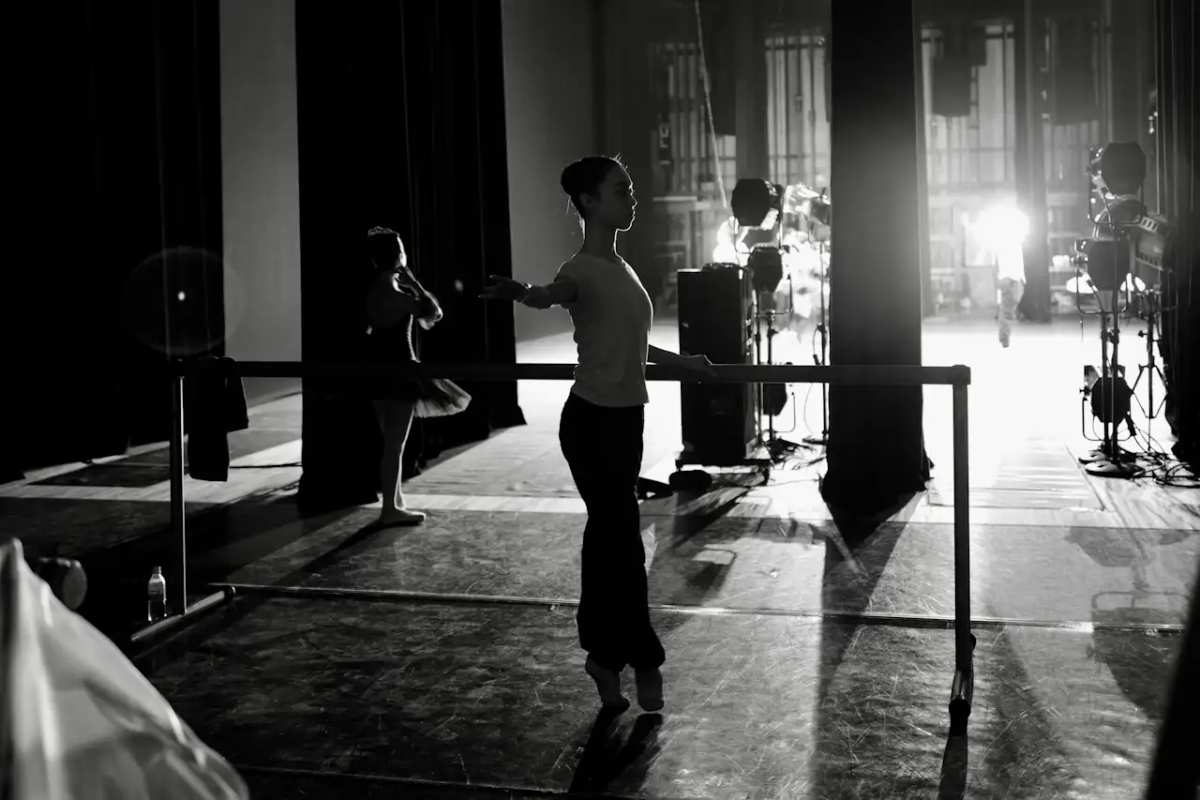
The floor
Level, style, and the clock on one class list.
Beginner and company class are different lines. Students sign up from the list in the lobby. Full means the roster is closed.

The term
A workshop is not the drop-in hour.
Put intensives on the list with their own capacity. Take them off the live list when the weekend is done. The studio link does not move.
AI translation for customers
Help students understand the class before choosing it.
Students can read class descriptions, difficulty levels, and studio requirements in their preferred language with a tap.
Payment options
Choose how signups are paid
Take payment in full, take a deposit, or collect payment on arrival. After a deposit, customers can pay the balance from the same signup page or at the desk.
How it works
From class list to an accurate roster.
- 01
Upload your class list
Upload a flyer, photo of your studio board, or drop a spreadsheet. Import sets up your recurring sessions in minutes.
- 02
Set capacity and pricing
Add spot limits, assign instructors, set drop-in rates, and choose your payment rules.
- 03
Share your schedule link
Publish the link and QR code. Students sign up straight from their phones while the roster updates in real time.
FAQ
Common questions
Can levels and styles share one list?
Yes. Class levels, styles, and instructors on each session. Students sign up from one list.
What if a level is full?
Capacity is enforced. If the class is full, the next person cannot join. The public link does not change.
Do dancers need an app?
No. Sign up in the browser they already have.