
Restaurant
A food menu built to take orders.
Update availability in real time, route orders straight to the kitchen queue, and let diners pay now or at the table.
At the table
Your whole food menu on every guest’s phone.
- Drafts stay in the builder. Customers see the last version you published.
- Snap a printed card. Import can translate. You still approve every line.
- Order queue.
- Same link after you edit.
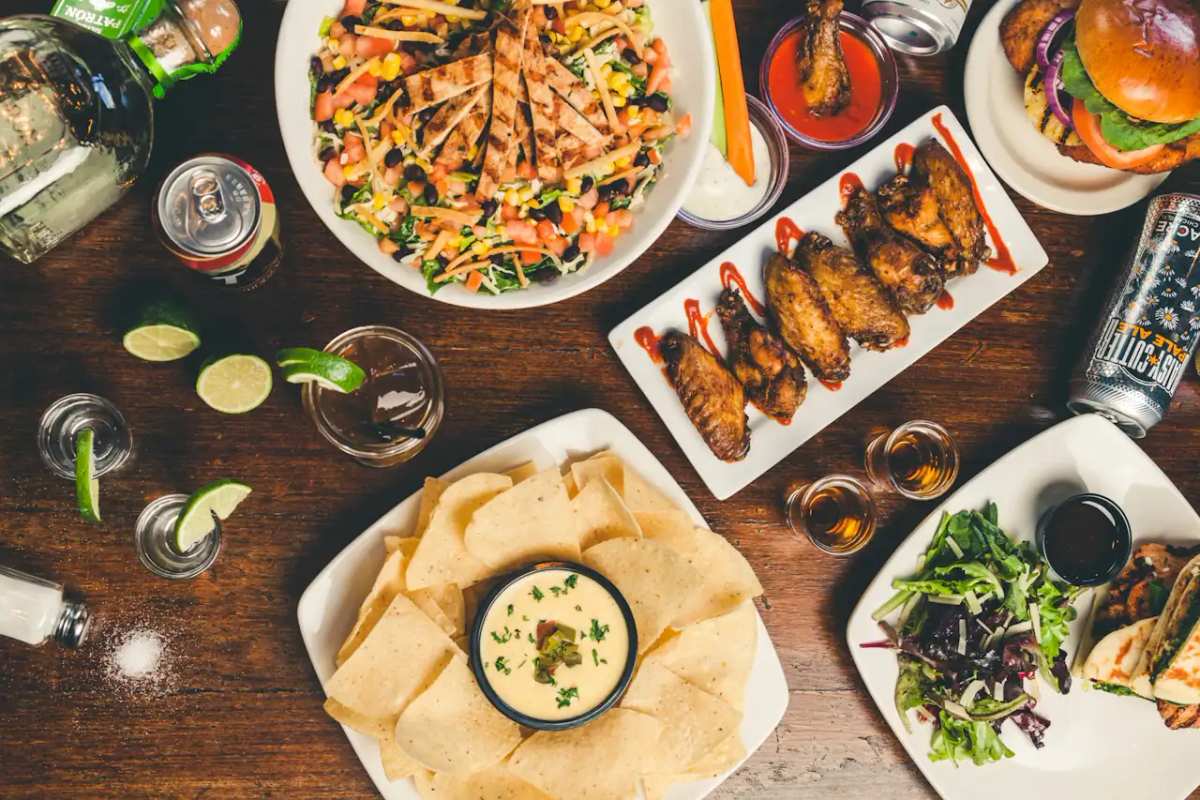
At the table
The food menu customers read is the one they order from.
Customers open the food menu on the phone they already have. Sold-out dishes change on the last version you published—you are not reprinting the food menu between orders.
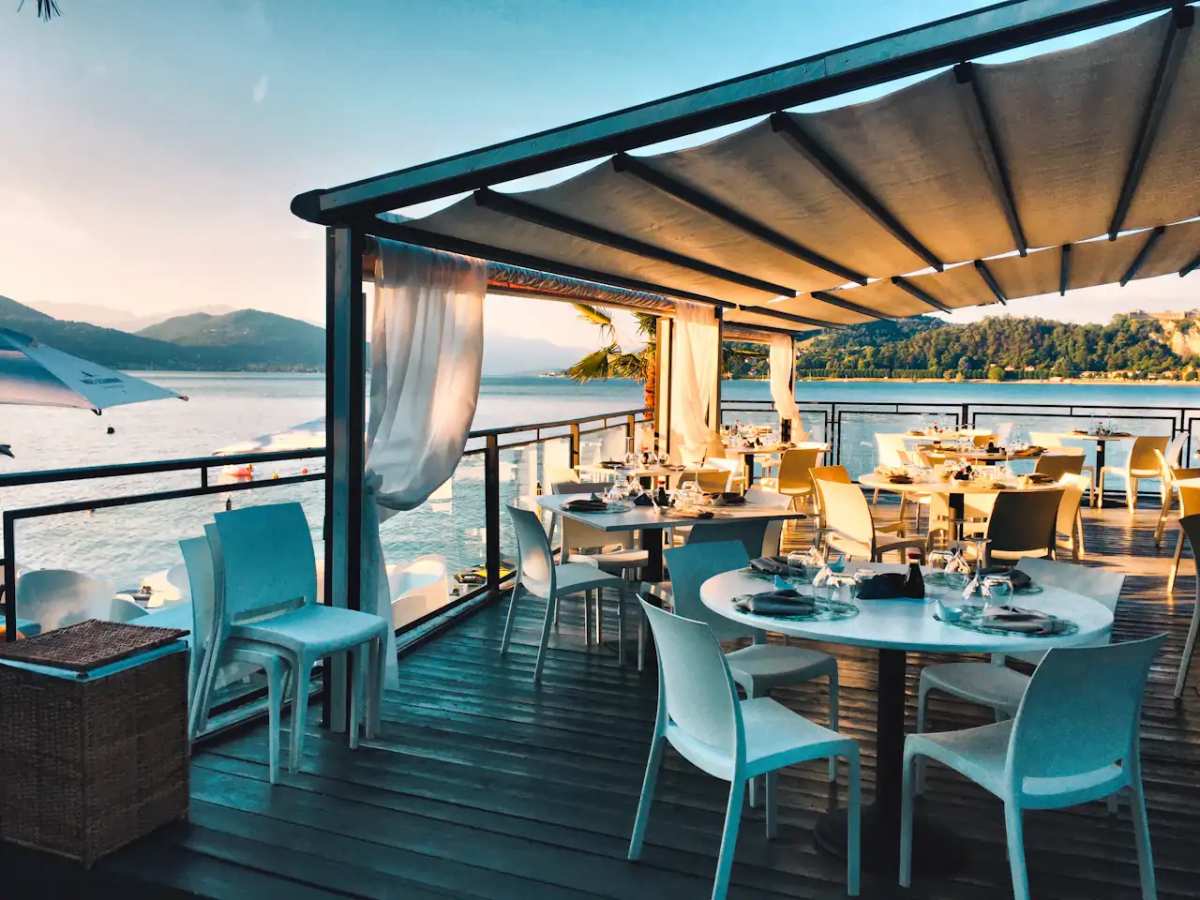
During service
Sold out? Mark it off the menu. Keep taking the rest.
One tap takes a dish off the live food menu. Customers who open it after that stop asking for it. Publish when the board is right. The public link stays the same.
AI translation for customers
Welcome guests in their own language.
Guests can tap to view your food menu in their preferred language right in their browser, while your prices and original descriptions remain completely intact.
Payment options
Choose how orders are paid
Take payment in full, take a deposit, or collect payment on arrival. After a deposit, customers can pay the balance from the same order page or at the counter.
How it works
From food menu to incoming orders.
- 01
Upload your food menu
Snap a photo of your printed board, drop a PDF, or paste an existing link. Import turns it into an editable draft so you don't have to retype every price.
- 02
Set ordering and hours
Add options, modifiers, hours, tax, and serving times like breakfast or late night, then choose whether guests pay now or upon pickup.
- 03
Share and start serving
Publish your live link and tabletop QR codes. New orders pop up in your queue ready for your team to prepare.
FAQ
Common questions
We already have a website. Why another URL?
Keep your website for the story. ServeSlate keeps current prices and sold-out dishes on the food menu customers use at the table. Put the link on the counter or a QR code.
Can lunch and dinner share one food menu?
Yes. Split the food menu into categories. Customers open one link and move between lunch, dinner, and drinks. You do not need two live pages.
What do customers see when a dish is sold out?
Drafts stay in the builder. Mark the item unavailable and publish. The public food menu shows the last version you published until you publish again.