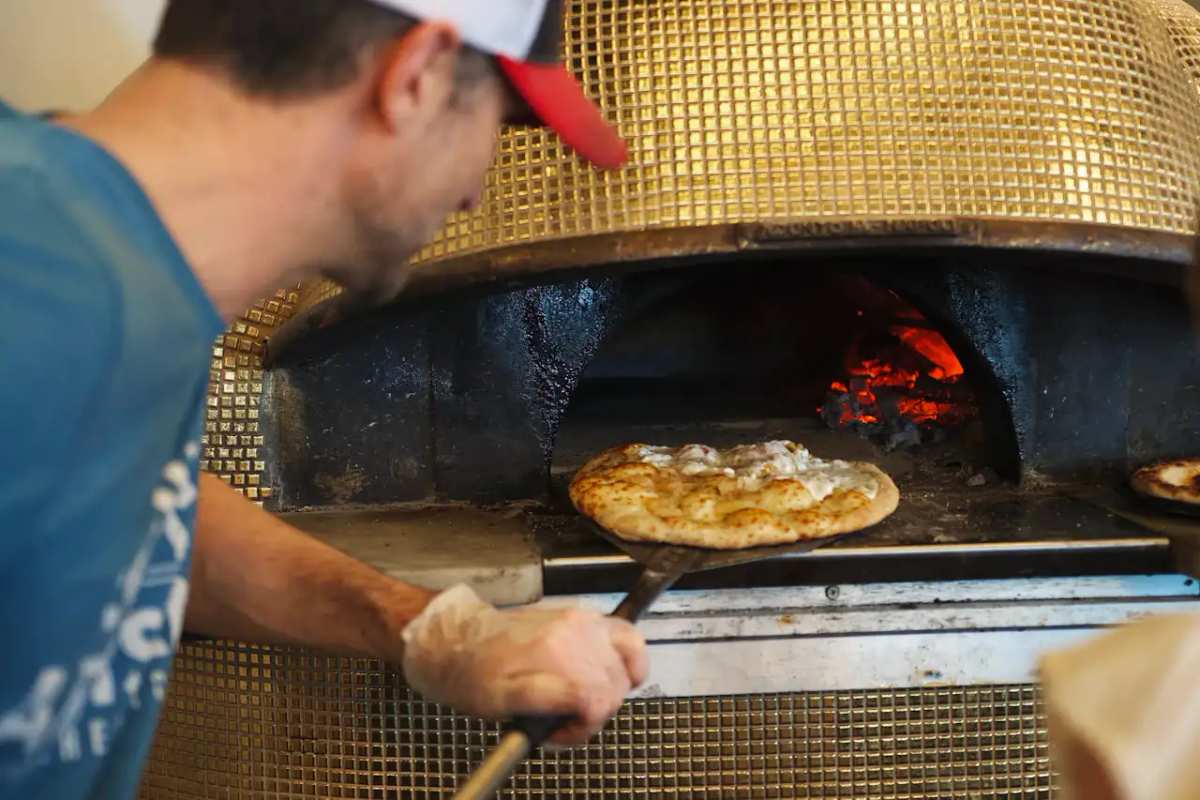
Pizzeria
Make sizes, crusts, and toppings easy to order.
Customers build their pie, choose pickup or dining details, and pay upfront or at the counter.
At the table
Pies, slices, and toppings on any phone.
- Sizes and crusts on the pie they belong to.
- Toppings and sides as their own lines.
- Order queue.
- Sell out of the special? Mark it unavailable and publish.
The peel
Pies, starters, and the pour on one food menu.
Sizes and toppings live as lines, not a chalkboard they squint at from the booth. Customers open the same food menu the counter uses for pickup.
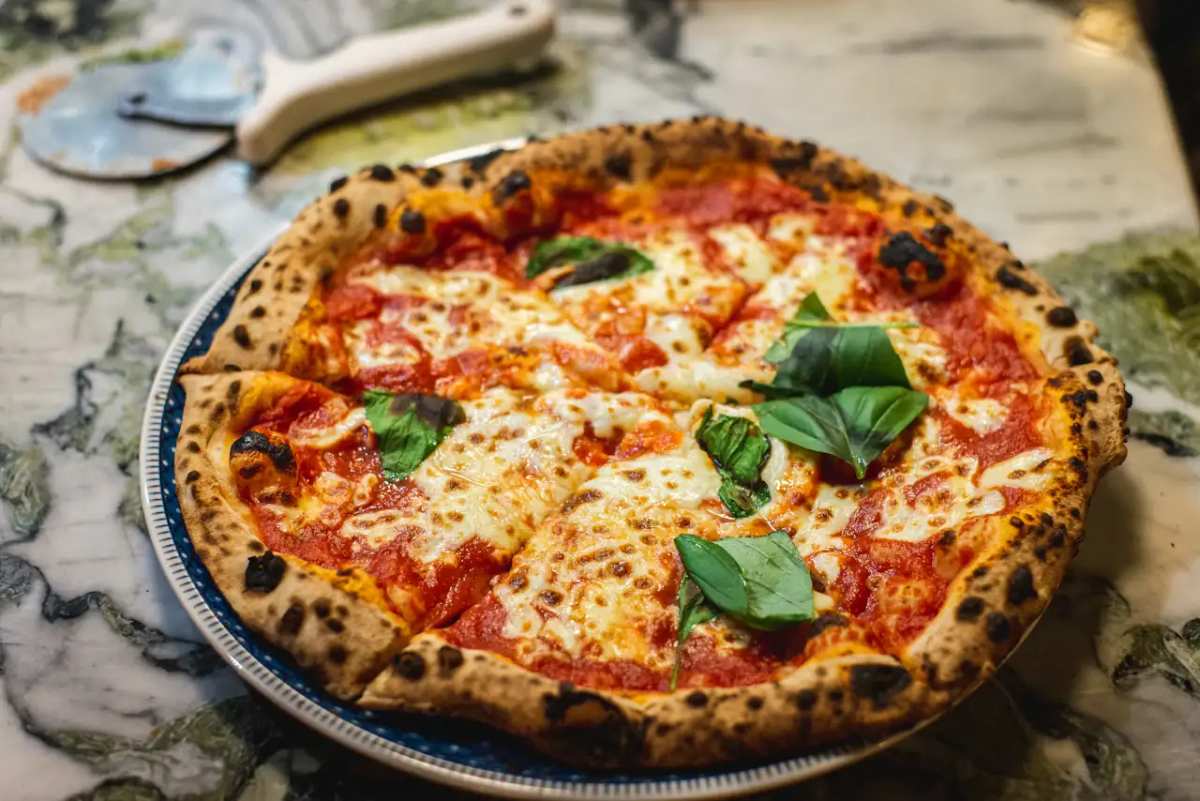
Pickup window
Pickup orders appear in your queue.
Customers add a pie from the food menu. You run the oven queue. No second app for a slice.
AI translation for customers
Welcome guests in their own language.
Guests can tap to view your food menu in their preferred language right in their browser, while your prices and original descriptions remain completely intact.
Payment options
Choose how orders are paid
Take payment in full, take a deposit, or collect payment on arrival. After a deposit, customers can pay the balance from the same order page or at the counter.
How it works
From food menu to incoming orders.
- 01
Upload your food menu
Snap a photo of your printed board, drop a PDF, or paste an existing link. Import turns it into an editable draft so you don't have to retype every price.
- 02
Set ordering and hours
Add options, modifiers, hours, tax, and serving times like breakfast or late night, then choose whether guests pay now or upon pickup.
- 03
Share and start serving
Publish your live link and tabletop QR codes. New orders pop up in your queue ready for your team to prepare.
FAQ
Common questions
Can slices and whole pies live on one food menu?
Yes. Run them as categories on one food menu. Customers open it and move between slices, pies, and sides.
How do we show sizes and crusts?
Put them on the pie itself so the price customers read is the price they pay. No second list to keep in sync.
The Friday special changes every week. Do we reprint?
No. Edit the draft and publish. The public link and the box sticker stay the same.