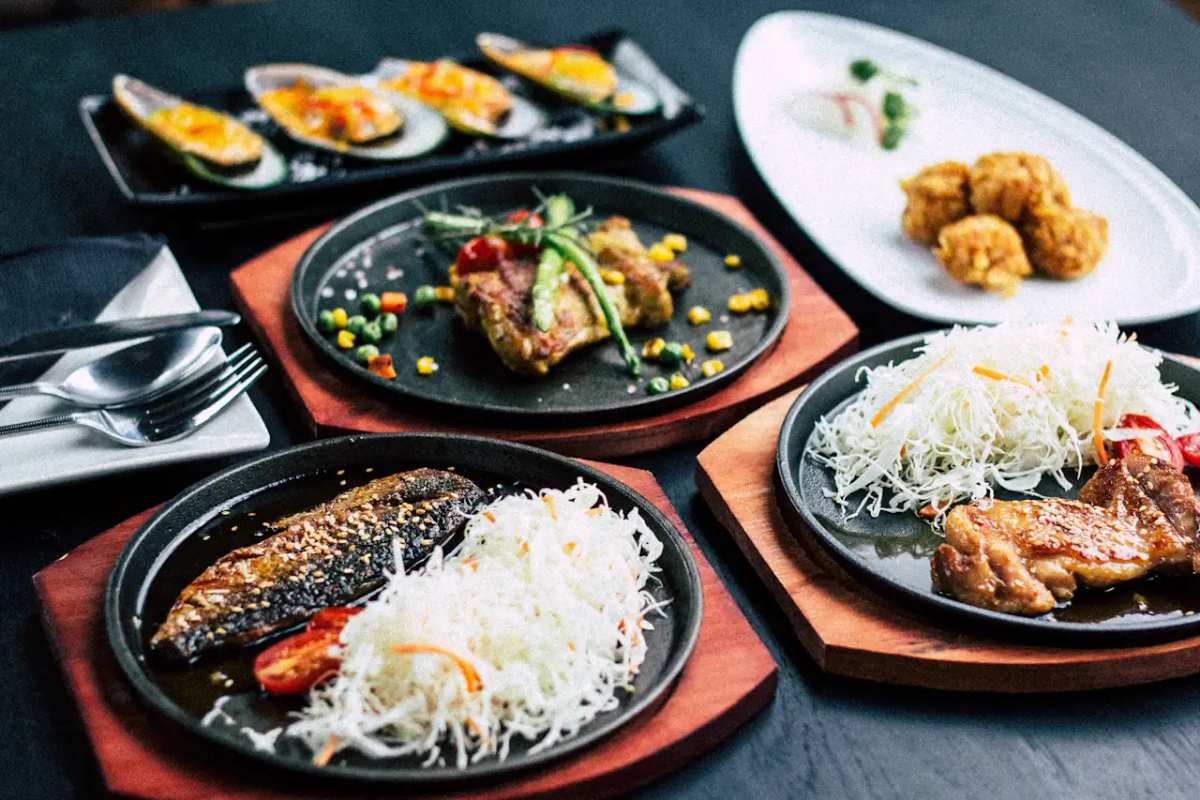
Food truck
Take the same ordering link to every stop.
Publish today’s menu, take pickup orders, and turn off sold-out items from the same QR code.
At the window
Today’s food truck menu on any phone.
- Built for a small board and a long line.
- Order queue.
- Pay in full now from the food menu, or pay at the window.
- No app.
The window
The board on the truck, on every phone in line.
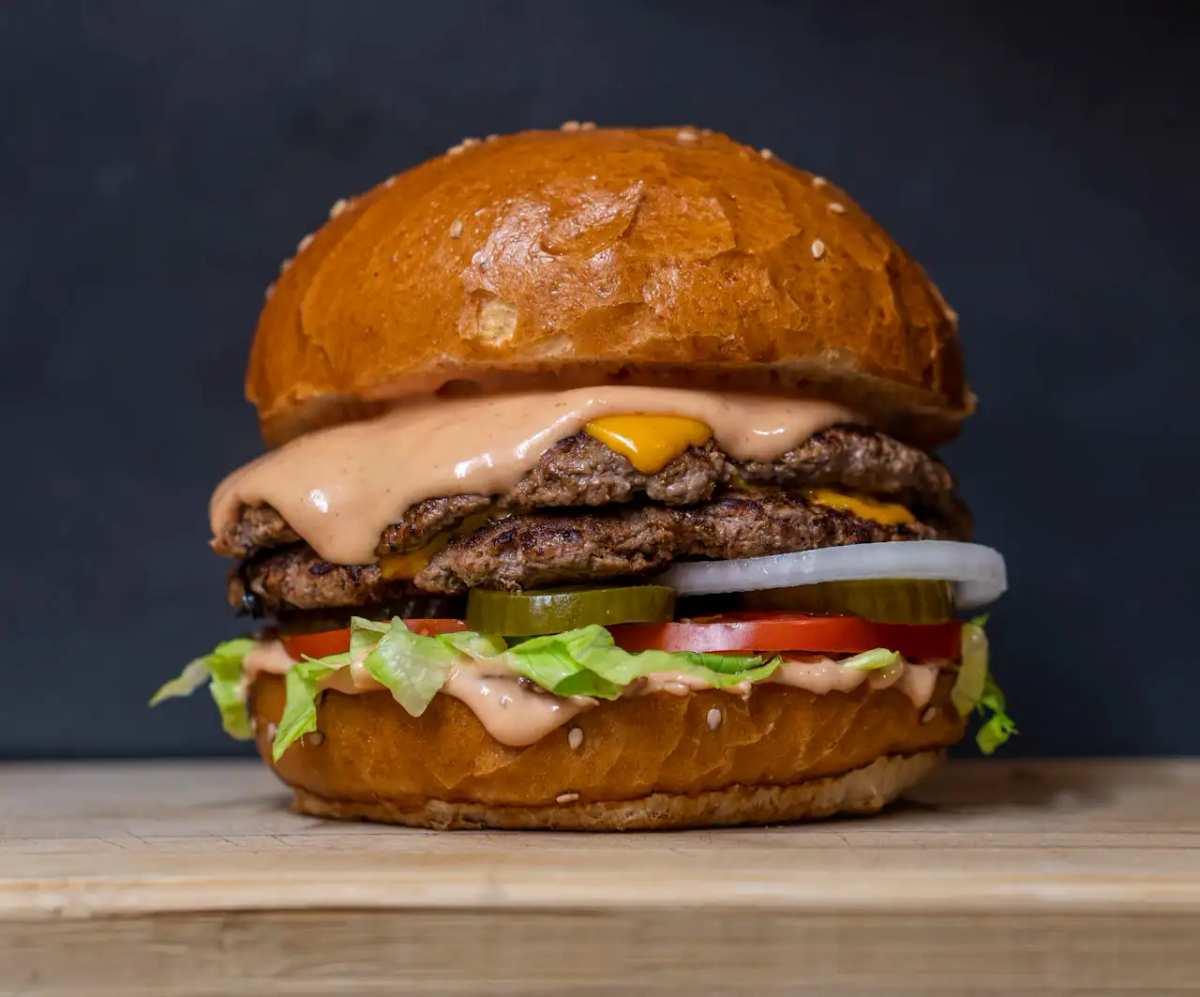
Customers choose a smash burger or grilled cheese before they reach the window. The food menu on their phone is the board you update when a protein runs out.
The stop
A new pitch. Same link.
Move the truck. The URL does not change. Mark lunch sold out when it is gone. The food menu still opens in the browser they already have.
AI translation for customers
Welcome guests in their own language.
Guests can tap to view your food menu in their preferred language right in their browser, while your prices and original descriptions remain completely intact.
Payment options
Choose how orders are paid
Take payment in full, take a deposit, or collect payment on arrival. After a deposit, customers can pay the balance from the same order page or at the counter.
How it works
From food menu to incoming orders.
- 01
Upload your food menu
Snap a photo of your printed board, drop a PDF, or paste an existing link. Import turns it into an editable draft so you don't have to retype every price.
- 02
Set ordering and hours
Add options, modifiers, hours, tax, and serving times like breakfast or late night, then choose whether guests pay now or upon pickup.
- 03
Share and start serving
Publish your live link and tabletop QR codes. New orders pop up in your queue ready for your team to prepare.
FAQ
Common questions
The window board is tiny. Does this still work?
Yes. The live food-truck menu is built for a small board and a long line. Customers open the food menu and order from the phone they already have.
What if a tray is gone?
Mark it unavailable and publish. The public link stays put. The next person in line does not order an empty tray.
Where do customers pay?
Pay in full now from the food menu, or pay at the window.