
Fine dining
Tonight’s tasting menu and pairings on your guests’ phones.
Present your tasting menu clearly, rotate courses between services, and collect payment at the table.
At the table
Tonight’s tasting menu on guests’ phones.
- Courses in the order they leave the pass.
- Pairings sit next to the plate they belong to.
- Dietary and allergen notes on every line.
- Tonight’s food menu goes live when you publish, not before.
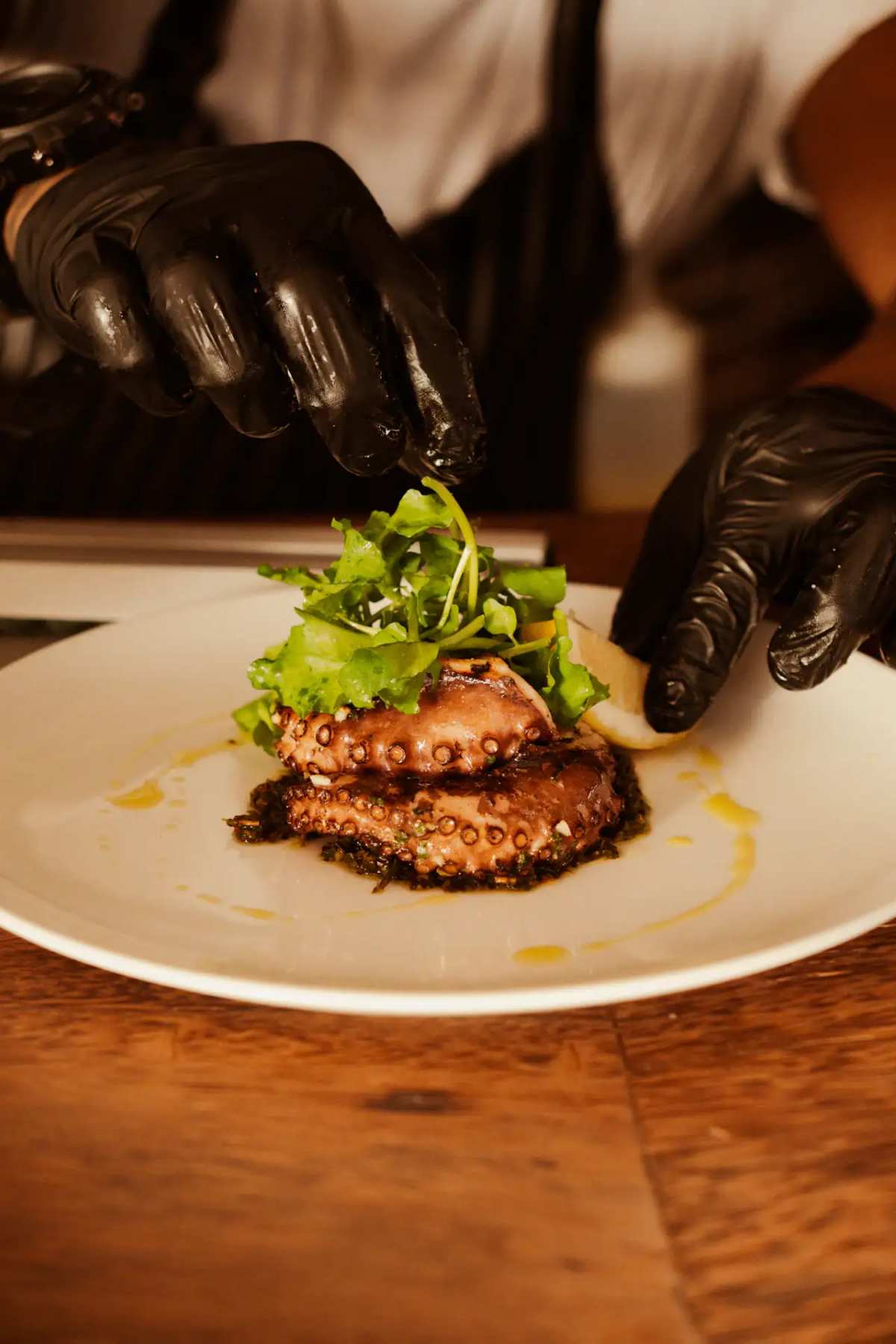
Courses
The tasting menu, without reprinting the card.
First courses, mains, and desserts each have their own section. A wine note or a substitution sits on the line customers already opened — not on a verbal aside they miss.

The room
Quiet phones. Accurate prices.
Share the food menu at the setting, not in a stack of paper. When a course rotates, publish once. Print stays for the room that still wants it.
AI translation for customers
Welcome guests in their own language.
Guests can tap to view your food menu in their preferred language right in their browser, while your prices and original descriptions remain completely intact.
Payment options
Choose how orders are paid
Take payment in full, take a deposit, or collect payment on arrival. After a deposit, customers can pay the balance from the same order page or at the counter.
How it works
From food menu to incoming orders.
- 01
Upload your food menu
Snap a photo of your printed board, drop a PDF, or paste an existing link. Import turns it into an editable draft so you don't have to retype every price.
- 02
Set ordering and hours
Add options, modifiers, hours, tax, and serving times like breakfast or late night, then choose whether guests pay now or upon pickup.
- 03
Share and start serving
Publish your live link and tabletop QR codes. New orders pop up in your queue ready for your team to prepare.
FAQ
Common questions
The menu changes every service. Do we reprint the card?
No. Edit the draft in the afternoon and publish before doors. The public link stays the same from one service to the next.
Can we show wine pairings with the courses?
Yes. Put the pairing on the course itself, or run a pairings category beside the tasting menu. Customers move between them on one link.
How do customers check allergens?
Dietary tags and an ingredients note sit on each dish, and customers can filter the food menu from their phone. Your team still confirms at the table.