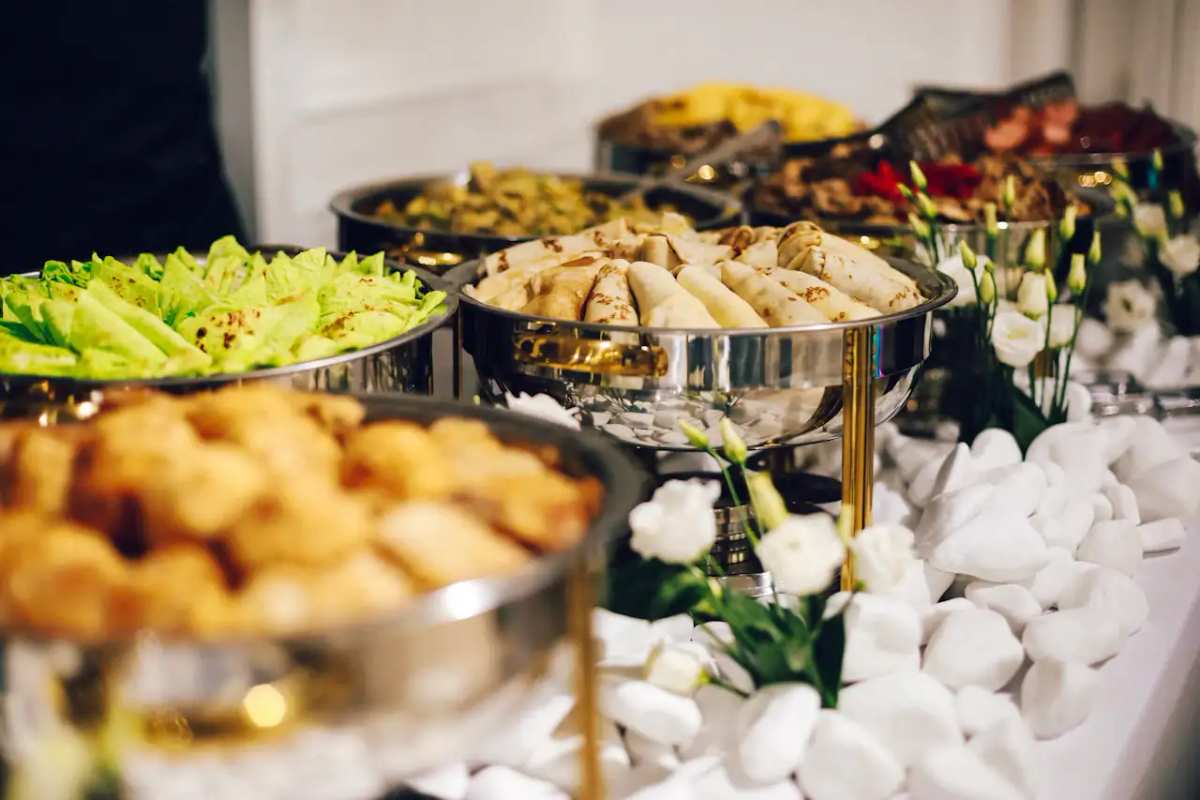
Catering
Give group organizers one simple catering menu to share.
Organizers choose trays and packages, share the link with their team, and place the order in one spot.
For group orders
Catering packages and trays on any phone.
- Trays and group packages.
- Customers place an order.
- Publish again. The URL stays put.
- Customers forward one link.
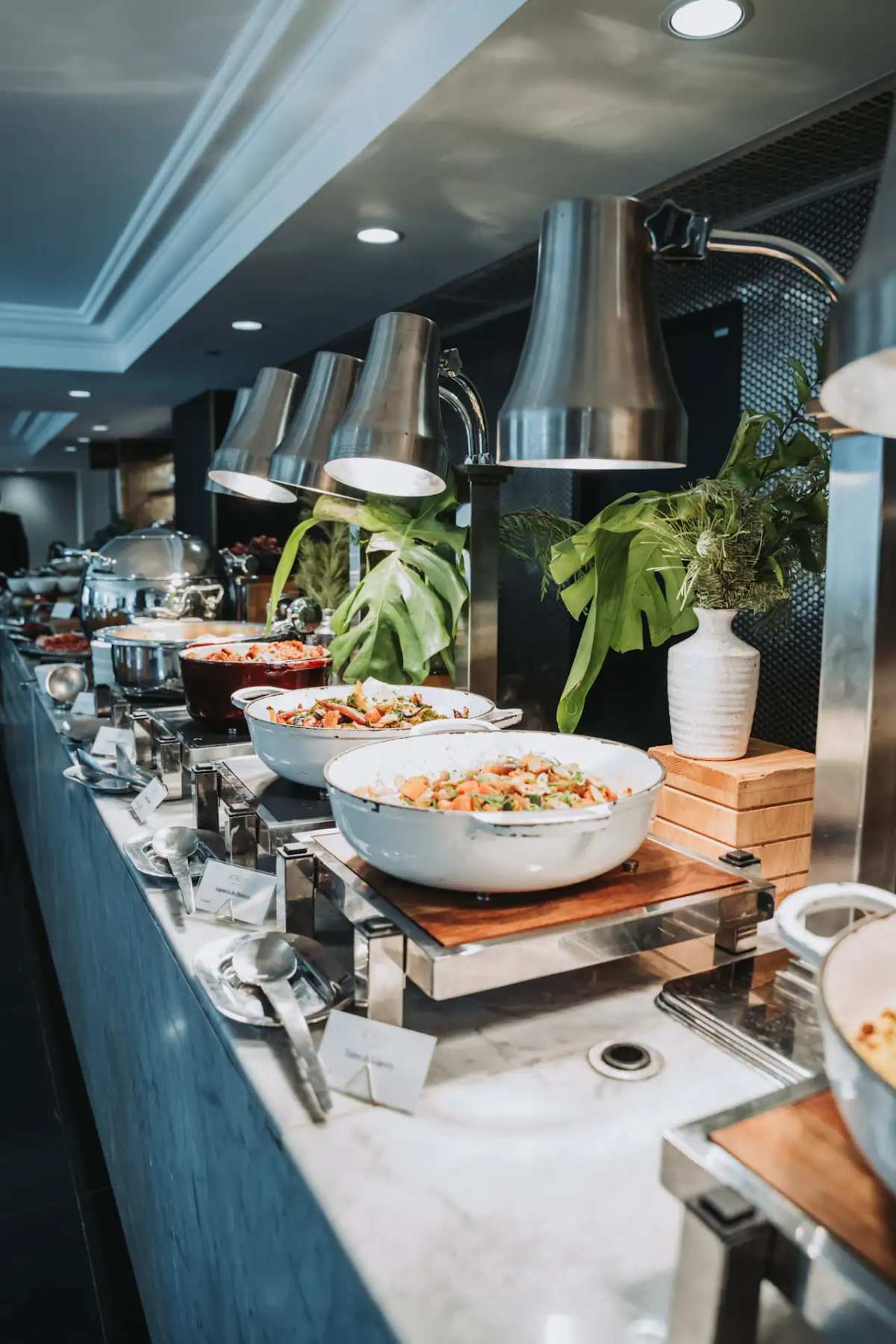
The tray
Packages customers can read before they contact you.
Drop-off, staffed, and add-ons as lines with prices. Customers see current packages and prices instead of an old PDF.

The date
Headcount changes. The food menu stays the link.
Customers pick a package from the last version you published. You confirm the event in the dashboard.
AI translation for customers
Welcome guests in their own language.
Guests can tap to view your food menu in their preferred language right in their browser, while your prices and original descriptions remain completely intact.
Payment options
Choose how orders are paid
Take payment in full, take a deposit, or collect payment on arrival. After a deposit, customers can pay the balance from the same order page or at the counter.
How it works
From food menu to incoming orders.
- 01
Upload your food menu
Snap a photo of your printed board, drop a PDF, or paste an existing link. Import turns it into an editable draft so you don't have to retype every price.
- 02
Set ordering and hours
Add options, modifiers, hours, tax, and serving times like breakfast or late night, then choose whether guests pay now or upon pickup.
- 03
Share and start serving
Publish your live link and tabletop QR codes. New orders pop up in your queue ready for your team to prepare.
FAQ
Common questions
Can customers pick trays from the food menu?
Yes. It is a live catering food menu customers can open and forward — trays, boxes, and group packages.
Can a planner send the link?
Yes. One URL. Customers pick items and place an order.
Do we need a new link for each event?
No. Publish again. The catering food menu URL stays put.