
Acupuncture
Make initial and follow-up visits easy to schedule.
Patients choose their visit type, reserve a time, and pay a deposit or pay at the appointment.
At the clinic
Treatment sessions and booking on any phone.
- Initial consultations and follow-up treatments.
- Health disclaimer before they confirm.
- Book.
- The same list stays on patients’ phones.
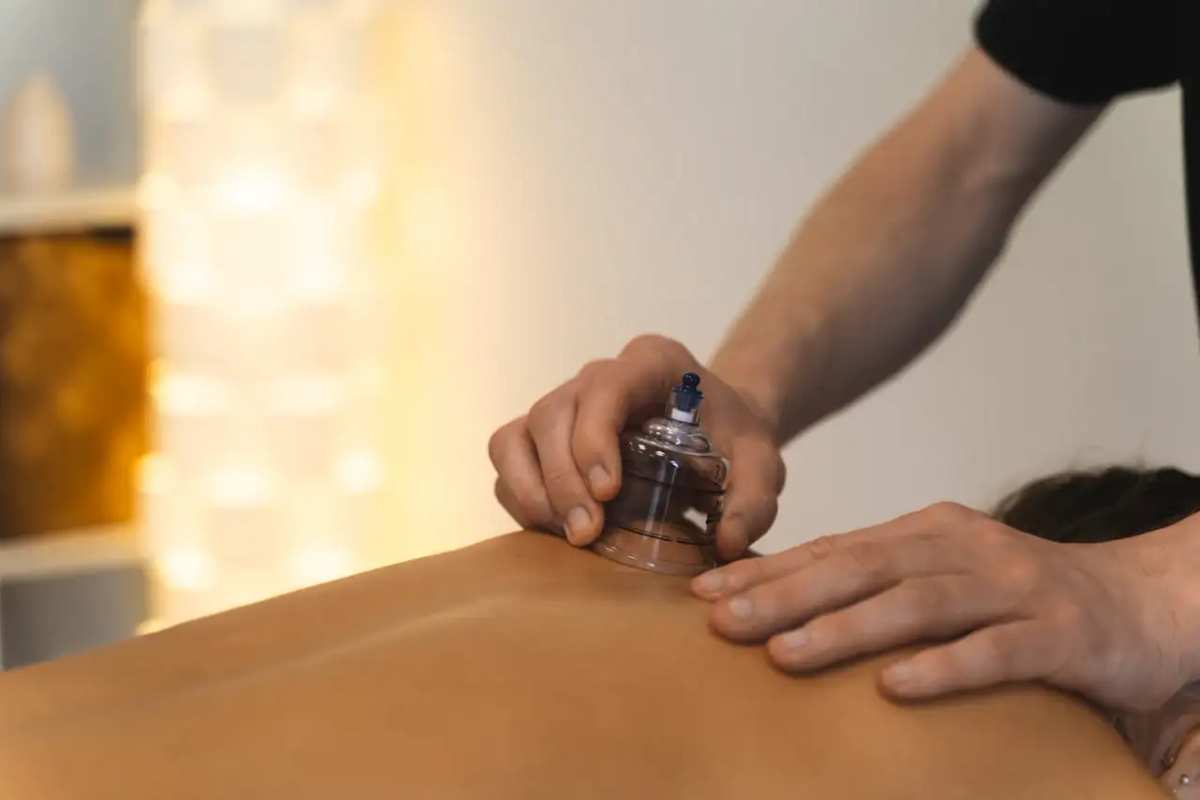
The visit
Intake and follow-up, with the length on the line.
Patients pick a visit type from the service list. Duration sits on the line. Not a chart. Not medical advice.

The week
Follow-ups only? Keep new-patient visits off the live list.
Take the long intake off the live list. Follow-ups stay. The public link does not change.
AI translation for customers
Make your service list easy for clients to understand.
Clients can translate service names, categories, and descriptions on their phones with a tap, while your durations and prices stay exact.
Payment options
Choose how bookings are paid
Take payment in full, take a deposit, or collect payment on arrival. After a deposit, customers can pay the balance from the same booking page or at the desk.
How it works
From service list to confirmed bookings.
- 01
Upload your service list
Snap a photo of your printed price list or upload a document. Import creates an editable draft you can fine-tune in minutes.
- 02
Add your team and hours
Set which team members perform each service, add buffer times, and choose your deposit requirements.
- 03
Share your booking link
Publish the link and QR code. Clients choose an open time while your team manages the calendar.
FAQ
Common questions
Is this a clinic EMR?
No. It is a live visit list with intake and follow-up visits. Not a chart.
Do patients confirm a disclaimer?
Yes when you turn it on. Patients see it before they book. Not medical advice.
Can patients pick a follow-up from their phone?
Yes. Open the list, pick a visit type and a slot.